-

Visit Us
Find Your Nearest Store

Visit Us
Find Your Nearest Store
A flickering display or a stripe of colour down the side is alarming, but it isn't always the end of the screen. Here's how to work out whether it's a software hiccup or a real hardware fault.
Your screen worked perfectly yesterday. Today it's flickering, or there's a green, pink, or white line running down it that wasn't there before. It's natural to assume the worst, and sometimes that's right. But a surprising number of display problems turn out to be software glitches that a restart can clear.
At Case Indulgence, we look at flickering and lined screens across our QLD and NSW stores all the time. The trick is telling the harmless ones from the ones that need a repair, and you can do a lot of that yourself in five minutes. This guide shows you how.
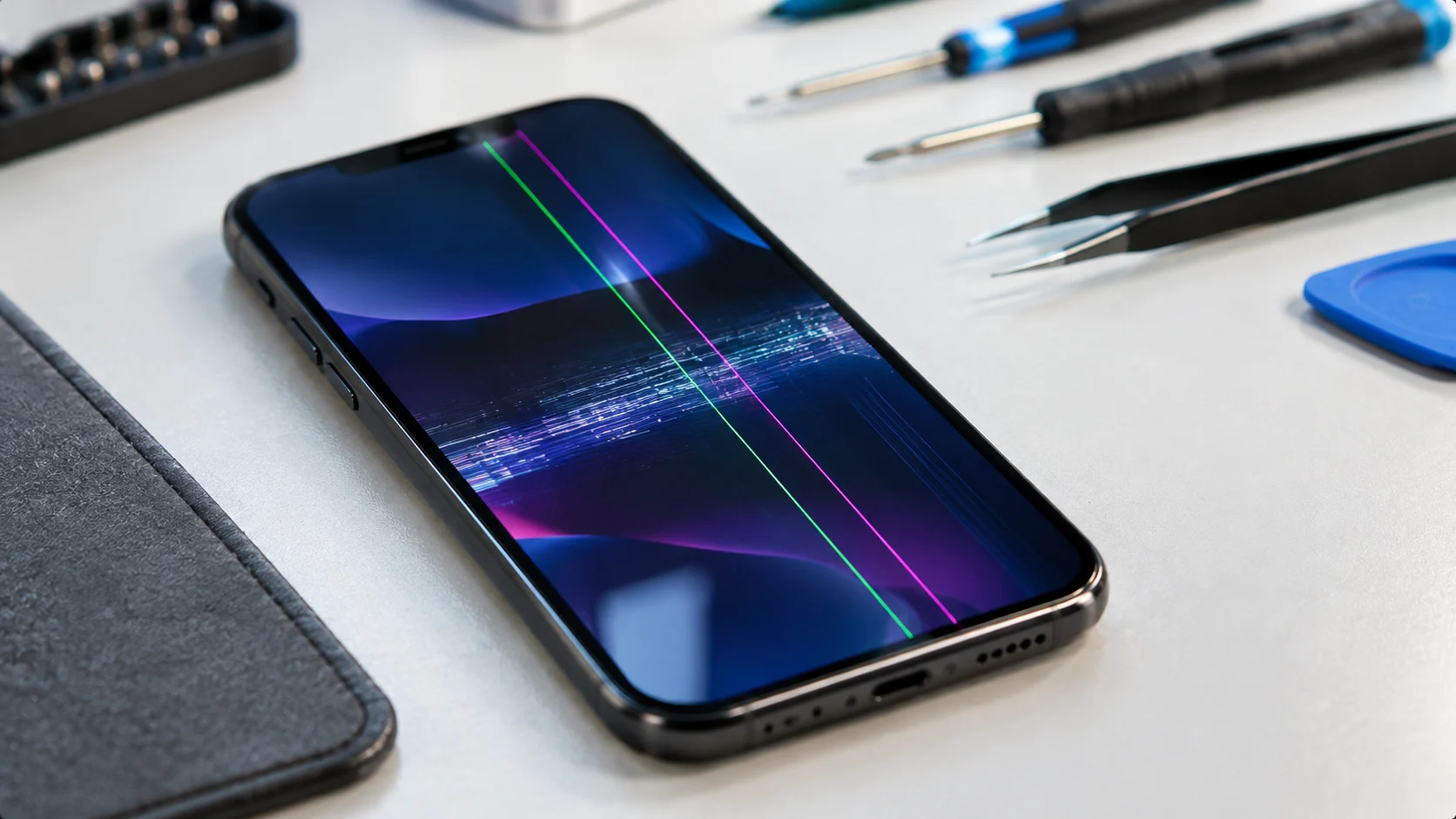
Your phone's picture travels a long way before you see it. The processor builds the image, a display driver chip sends it along a thin ribbon cable, and the panel itself, either OLED or LCD, lights up millions of tiny pixels in the right order.
A problem at any point along that chain can show up as flicker or lines. That's why the same symptom can have causes ranging from a ten-second software glitch to a failed display panel, and why it helps to narrow it down before spending money.
| What You See | Most Likely Cause | What to Do |
|---|---|---|
| Flicker that comes and goes, or only in certain apps | Software glitch or app bug | Restart, update, then check whether it's one app |
| Flicker that started right after an update | Software bug | Restart and wait for the next patch |
| Flicker only at low brightness or in dark scenes | Brightness or refresh-rate settings | Check auto-brightness, adaptive refresh, and low power mode |
| Flicker after a drop or a squeeze | Loose or damaged display connector, or impact damage to the panel | Get it assessed. This won't fix itself |
| One coloured vertical line (green, pink, white) that never moves | Failed OLED panel or driver | Screen replacement |
| Several lines, patches, or ink-like spreading marks | Internal panel damage that's progressing | Back up your data and book an assessment soon |
| Lines or flicker after water exposure | Moisture or corrosion | Stop using it and get it checked promptly |
| Flicker with a hot phone or a bulging back | Battery or safety fault | Stop charging it and bring it in urgently |
Ranked by how often each one turns out to be the real answer.
A rendering bug after an update, a misbehaving app, or a temporary memory problem can make the display flicker or draw odd lines. These usually move around or vanish after a restart, which is your best clue that the screen itself is fine.
Auto-brightness, adaptive refresh rates, and low-power modes can all produce visible flicker, especially in dim rooms. It's an annoying effect, but not a fault.
A thin ribbon connects the screen to the main board. A knock, a bend, or years of heat cycling can loosen it, and the result is flicker, intermittent lines, or a screen that cuts in and out when you press on the phone.
A drop can damage the display's internals without breaking the glass at all. Lines, dark patches, or bright spots that grow over days are the usual signs. Our guide to iPhone screen repair costs explains what a replacement involves.
OLED displays can develop a fixed coloured line, most often green or pink, when part of the panel or its driver fails. This isn't new: Engadget reported on green-line complaints on the first OLED iPhone, and similar faults have shown up on other brands' OLED phones. A line like this never goes away by restarting.
Water can reach the display connector or the main board and cause flicker or lines weeks after the incident. If your screen trouble started after a spill or a wet day, read our guide on which water-damaged phones survive.
The display driver chip lives on the logic board. When it fails, a new screen alone won't solve the problem. It's the rarest cause on this list, and the one most likely to make a repair poor value.
These steps only take a few minutes and often settle the question before you go anywhere:
If the line sits in exactly the same spot after a restart, shows up in startup screens, and doesn't change with brightness, treat it as hardware.
It's mostly a process of elimination, working from the cheap, simple causes up to the expensive ones.
We check whether the fault is constant or intermittent, and whether it moves, to separate software from hardware.
Where it's a flicker after a knock, we inspect and reseat the connector, since a loose connection is sometimes the whole problem.
Fitting a working screen temporarily tells us whether the fault is in your panel or further back on the board.
For most coloured lines and spreading damage, a new screen is the fix.
Touch, brightness, colour, and the sensors around the display all get checked once the new screen is in.
| Option | Best When | Trade-off |
|---|---|---|
| Live with it, for now | A faint, steady line on a phone you're about to replace, with data safely backed up | It's likely to spread, and the screen may eventually become unreadable |
| Replace the display | The panel has failed, and the rest of the phone is healthy | A repair cost, though usually well below a new phone |
| Replace the phone | The fault is on the main board, or several other faults are stacking up | Much higher cost, plus moving your data |
The same maths applies as with any repair: compare the quote with what the phone is worth. Our guide on when a repair isn't worth it covers the 60% rule of thumb, and iPhone screen repair vs a new phone walks through the numbers. If your phone is fairly new and the fault appeared without any drop or liquid, it's also worth checking whether the seller or manufacturer owes you a remedy. The ACCC explains how that works for major and minor faults under consumer guarantees.
If pressing makes the picture come back, that's a sign of a loose connection or a cracked internal layer. It's a clue, not a fix, and repeated pressing can make the damage worse.
A reset only helps with software faults, and it wipes your data. Back up first, and try the screenshot test before you reset anything.
A fixed coloured line is a failing panel. It can stay stable for a long time, but it can also spread, and you won't know which in advance.
A protector can't cover a fault that's inside the display. It will just sit on top of the lines.
The most common cause is a software glitch or a display setting such as auto-brightness or adaptive refresh rate. If it started after a drop, a loose display cable or internal panel damage is more likely.
A fixed green or pink line usually points to a failed section of an OLED panel or its driver. It typically stays in the same spot after a restart, and the usual fix is a replacement screen.
Sometimes. If the lines move, come and go, or show up in screenshots, an update or restart can clear them. A line that stays fixed and doesn't appear in a screenshot is hardware, and an update won't remove it.
Take a screenshot while the lines are showing. If they appear in the screenshot, it's software, and if the screenshot is clean but the screen shows lines, it's the display hardware.
Usually yes for a short time, provided the phone isn't hot, swollen, or recently wet. Back up your data soon, because display faults commonly get worse over time.
Usually yes, if the rest of the phone is healthy and the repair costs well under the phone's value. It's less worthwhile if the fault is on the main board or several other problems are present.
A flickering or lined screen can be a five-second fix or a failing panel, and the quickest way to tell is to have someone test it properly. A device assessment checks the display, the connector, and the board, and gives you a straight recommendation, even if the answer is that nothing needs repairing.

Our skilled technicians are dedicated to restoring your devices to their optimal functionality.


© 2026 CaseIndulgence. All Rights Reserved