
My Phone Got Wet — What to Do in the First 30 Minutes
Switch it off, keep it unplugged and skip the rice.
Quick summary
If your phone got wet, disconnect it from power if safe, switch it off, take off the case and blot the outside. Leave it somewhere dry with airflow. Keep a submerged phone off and arrange an assessment before trying to charge it. Thirty minutes is your first-response window.
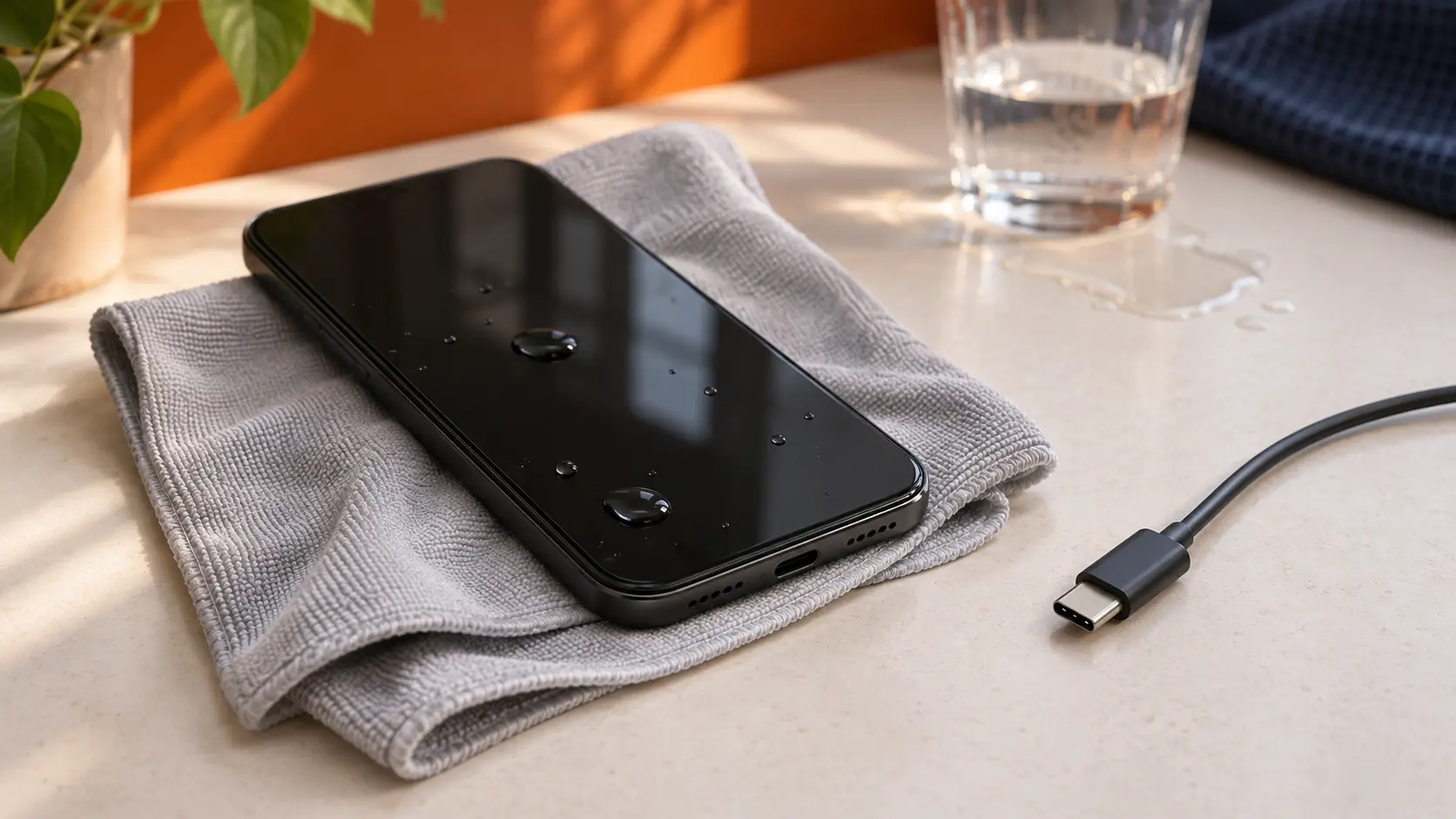
What should you do in the first 30 minutes?
First minute — disconnect and switch off
Get the phone out of the liquid if it’s safe. If it’s connected to power and the plug or outlet is wet, leave it alone and cut power only from a dry, safe location. If the cable can be safely disconnected, unplug it. Switch the phone off if it’s still on. If it’s already off, leave it off.
Minutes 1–5 — remove the case and blot the outside
Take off the case and unplug accessories if safe. Use a soft, lint-free cloth to blot the outside. Keep the charging port facing down while excess liquid drains. Leave the SIM tray closed until the outside is dry, and keep cotton buds, tissue and tools out of the port.
Minutes 5–30 — let it air-dry and decide what comes next
Leave the phone on a stable surface in a dry room with airflow and no direct heat. Skip wired and wireless charging during this first response. If it went underwater, was soaked in salt water or a drink, or is already behaving oddly, keep it off and arrange an assessment promptly.
Liquid damage starts when moisture or residue reaches components it can affect, such as the charging connector or internal electronics. A dry screen only tells you the surface is dry. Samsung’s Galaxy guidance warns that corrosion can develop even when the phone still works. Google’s Pixel guidance also recommends switching off a phone that fell in water and drying it at room temperature.
Can you charge a wet phone after 30 minutes?
Keep a phone that went underwater off the charger until it has been assessed. Apple’s liquid-detection alert instructions give a minimum of 30 minutes before retrying a cable if the iPhone and cable are completely dry. If the alert comes back, drying may take up to 24 hours. Apple’s separate guidance for an iPhone that got wet says to allow at least five hours before connecting a cable or wired accessory. Follow the advice that matches what happened to your phone.
| What happened? | What to do next |
|---|---|
| A few drops on the outside, with no sign they reached an opening | Blot and air-dry. Follow your model’s drying instructions. An assessment may be unnecessary if it stays symptom-free. |
| Moisture alert after connecting a cable | Unplug the cable. Let the phone and cable dry, follow the model’s instructions and avoid overriding the alert to test charging. |
| Phone fell into the sink, bath or toilet | Keep it off and arrange an assessment, even if it still worked when you picked it up. |
| Seawater, pool water, soft drink or coffee entered an opening | Keep it off. Seek an assessment promptly and identify the liquid. Drying can leave residue behind. |
Does rice fix phone water damage?
Rice can’t remove salt or sugar from inside a phone, and rice particles can damage the connector. Apple explicitly advises against putting a wet iPhone in rice. A phone that starts working after a night in rice may simply have had time to dry on the surface. That tells you little about residue or corrosion inside.
Use room-temperature airflow. A hairdryer or a hot dashboard adds heat, and compressed air is unsuitable for drying a phone port. Leave the housing closed and resist the urge to turn the phone on for a quick test.
What if you need the photos more than the phone?
Use another device to check iCloud Photos, Google Photos or your existing backups. If something important is missing, tell the repairer before authorising work. Share the model, what it fell into, roughly how long it was submerged and whether it was charged afterwards. Ask about the available data recovery options and whether the proposed work could erase the phone.
Frequently asked questions about a wet phone
Does putting a wet phone in rice work?
Skip the rice. It cannot remove salt or drink residue from inside the phone, and Apple warns that rice particles can damage an iPhone. Use room-temperature airflow and get a soaked phone assessed.
Can I charge my phone after 30 minutes?
Keep a submerged or heavily soaked phone off the charger until it’s assessed. Apple’s 30-minute connector-alert guidance applies to a dry connector and cable, and a returning warning means more drying time is needed.
What if my phone still works after falling in water?
Switch it off even if the screen and buttons still work. Internal moisture and corrosion can cause problems later, so arrange an assessment after submersion.
Can wireless charging get around a moisture warning?
Keep a soaked phone off a wireless charger as well. Apple allows wireless charging in a connector-alert scenario if the back is dry, but that guidance does not establish that a submerged phone is safe to power.
My phone dropped into seawater. Should I rinse it?
Follow the instructions for your exact model. Some manufacturers give specific rinsing directions, but adding water to an unknown, cracked or previously repaired phone can worsen exposure. Keep it off and tell the repairer what it fell into.
Can I still recover photos from a water-damaged phone?
Possibly. Check existing iCloud or Google Photos backups from another device and tell the repairer if data recovery matters more than getting the handset working again. Keep the wet phone off.