-

Visit Us
Find Your Nearest Store

Visit Us
Find Your Nearest Store
Skip the rice. Here’s what actually matters in the half hour after a spill or a dunk — and why the real damage often happens days later, not immediately.
Your phone just went in the sink, the pool, or got caught in the rain, and the next 30 minutes genuinely matter. Not because water instantly destroys a phone — it usually doesn’t — but because what you do right now affects whether corrosion sets in over the following days.
At Case Indulgence, water damage is one of the most common reasons phones come through our QLD and NSW stores, and the pattern is consistent: the phones that survive are the ones handled correctly in the first half hour, not the ones bathed in rice for 48 hours.
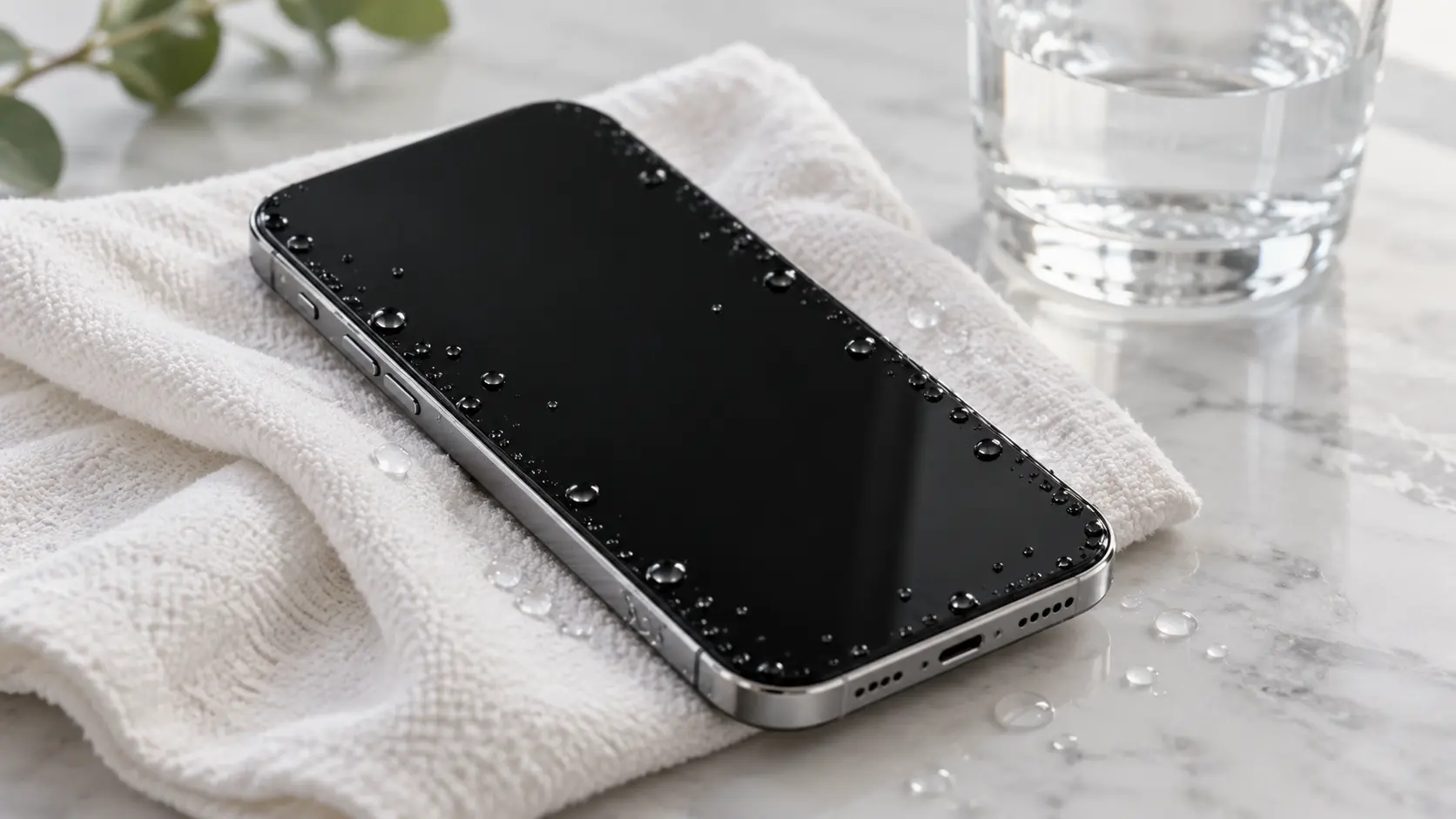
If it’s already off, leave it off. If it’s still on, power it down properly rather than waiting for it to die on its own. Every minute powered on with moisture inside increases the risk of a short circuit.
Cases trap moisture against the phone rather than letting it evaporate. Pop the SIM tray out too — trapped water there can corrode the tray and slot over time.
Pat it dry with a soft, absorbent cloth. Shaking or flicking the phone to remove water can actually push moisture further into ports and seams rather than out.
Charging introduces electrical current while moisture may still be present internally, which is precisely the combination that causes lasting damage. Leave it unplugged, no matter how flat the battery is.
Repeatedly pressing the power or volume buttons can push water further past the button seals and into the internal components behind them.
A dry towel or paper towel on a warm, dry surface — not direct sun or near a heater — gives trapped surface moisture somewhere to go without adding heat that can damage the battery.
The sooner a technician checks the internal moisture sensors and cleans any residue, the lower the chance of corrosion taking hold. Waiting a week “to see if it dries out” is the single biggest factor in phones that fail later.
Water alone rarely destroys a phone instantly. The real damage comes from corrosion — a slow chemical reaction between moisture, metal contacts, and any minerals or residue in the liquid, which eats away at circuit connections over hours, days, or even weeks.
This is why a phone can work perfectly the day after a spill and then develop a fault two weeks later. The corrosion has been progressing quietly the whole time, and by the time symptoms show up, it’s had far longer to spread than if it had been cleaned early.
| Liquid Type | Corrosion Risk | Why |
|---|---|---|
| Fresh water (rain, tap) | Lower | Fewer minerals and conductive salts |
| Saltwater (beach, ocean) | Highest | Salt is highly conductive and corrosive to metal contacts |
| Pool water | Moderate–high | Chlorine and mineral content accelerate corrosion |
| Coffee, soft drink, juice | High | Sugar residue stays sticky and conductive even after drying |
If your phone went into saltwater or a sugary drink, treat the 24–48 hour window as urgent rather than optional — residue left behind keeps causing damage even after the phone looks and feels dry.
An IP68 rating means your phone was tested to survive water exposure under specific, controlled lab conditions — not that it’s permanently waterproof in daily life. The rubber seals that provide that resistance degrade with age, drops, and previous repairs, and the rating isn’t retested once the phone leaves the factory.
Manufacturer warranties also typically exclude liquid damage entirely, water-resistance rating or not — Apple and Samsung both state this clearly in their warranty terms. A resistance rating buys you a safety margin, not immunity.
Bring it in if any of the following apply, even if the phone currently seems fine:
Not much. Rice absorbs some surface moisture slowly, but it doesn’t reach internal components, and rice dust can get into ports and speakers, adding a second issue. A proper internal check does far more than rice ever will.
Ideally within 24 to 48 hours. Corrosion progresses the longer moisture sits inside untreated, so the sooner it’s checked and cleaned, the better the chances of avoiding lasting damage.
No, not until it’s been confirmed dry internally. Charging introduces electrical current, which combined with any remaining moisture is a common cause of short circuits.
It’s still worth checking, especially after submersion or exposure to saltwater or sugary liquids. Corrosion can develop over days or weeks even when the phone appears to work normally at first.
It means the phone was tested to withstand water under specific lab conditions when new, not that it’s permanently waterproof. Seals degrade over time, and liquid damage is typically excluded from manufacturer warranties regardless of rating.
Don’t try charging it repeatedly to test it. Power it off if it isn’t already, dry the exterior, and get it to an assessment as soon as possible — a dead phone after water exposure needs a proper diagnostic check, not repeated charging attempts.
The phones we see with the best outcomes are the ones brought in within a day or two, not the ones left “just in case it dries out.” A free assessment checks the internal moisture sensors and cleans any residue before corrosion has a chance to spread.

Our skilled technicians are dedicated to restoring your devices to their optimal functionality.


© 2026 CaseIndulgence. All Rights Reserved