-

-
Visit Us
Find Your Nearest Store
Visit Us
Find Your Nearest Store
The real causes, ranked by how often we actually see them — not a generic list of every possible reason.
A phone that used to last all day and now needs charging by lunch has a specific cause, not a vague one. The trouble is that most articles list every theoretical reason a battery could drain, from Bluetooth to sunspots, without telling you which ones are actually likely.
At Case Indulgence, we see hundreds of battery complaints a month across our QLD and NSW stores, and the causes cluster hard around a handful of things. This guide ranks them by how often they’re the actual answer, starting with the most common.
Normal battery drain follows your screen-on time — a phone used for 4–5 hours a day losing most of its charge by evening is expected, not a fault. Abnormal drain is when the battery drops fast while the phone is idle, locked, and barely touched.
The test that matters most is overnight drain. A healthy phone left on standby overnight should lose roughly 1–2% per hour. Losing 10% or more overnight with no apps running points to a real problem, not normal use.
These are ranked by how often each one turns out to be the actual cause, based on what we see across our stores — not by theoretical possibility.
This is the cause in most cases we see. Social media apps, maps, and video streaming refreshing in the background account for the majority of “sudden” drain — it’s rarely sudden, it’s usually a change in how the phone is being used.
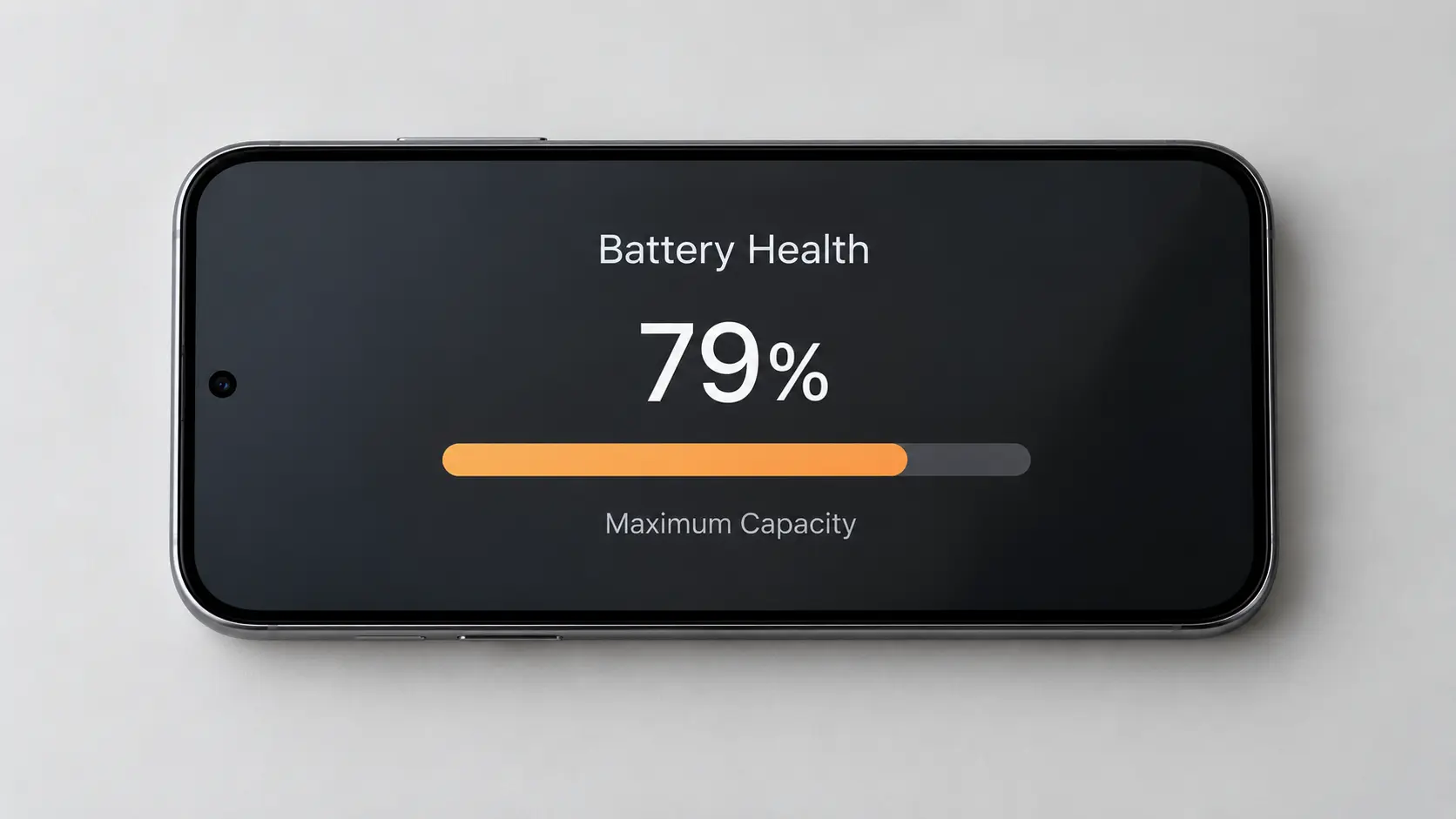
Lithium-ion batteries lose capacity with every charge cycle. Once health drops below roughly 80%, the phone can’t hold a full day’s charge no matter how it’s used, and the drain feels sudden even though it’s been building for months.
A recent iOS or Android update re-indexing apps, rebuilding search databases, or running a buggy background process can cause a spike in drain for a few days. This usually settles on its own within 48–72 hours.
Searching for signal in a low-coverage area uses significantly more power than staying connected to a strong one. If drain is worse at certain locations — home, a specific room, a regional trip — this is often the cause.
Max brightness, always-on display, and high refresh rate settings are a bigger drain contributor than most people expect, especially on larger OLED screens.
A loose port connection can cause the phone to charge intermittently overnight rather than fully, so it looks like fast drain when it’s actually incomplete charging.
This is the least common cause but the most urgent one. A swollen battery can push against the screen from behind, and it’s a genuine safety issue — this one needs an in-person check, not a software fix.
Before booking anything, these checks take under five minutes and rule out the two most common causes.
If battery health is fine, no single app is the culprit, and the drain continues after a restart, that’s when it’s worth getting it looked at rather than guessing further.
| Symptom | Likely Cause | Typical Fix |
|---|---|---|
| Drain matches heavy app use | Software — background activity | Adjust app settings, free, no repair needed |
| Fast drain even when idle and locked | Hardware — degraded battery | Battery replacement |
| Drain appeared right after an update | Software bug | Usually resolves in 48–72 hours or with next patch |
| Battery health below 80% | Hardware — chemical degradation | Battery replacement |
| Phone warm to touch while idle | Hardware or stuck process | Free assessment to confirm which |
| Screen bulging or lifting at the edges | Hardware — swollen cell | Urgent in-person check, stop charging it |
On modern iOS and Android, force-closing apps often uses more battery, not less, because the phone has to fully reload the app from scratch next time rather than resuming it from a low-power suspended state.
The opposite is true for lithium-ion batteries. Frequent full discharges accelerate degradation — keeping the phone roughly between 20% and 80% is better for long-term health than regularly running it flat.
Modern phones stop charging once full and use trickle power to maintain the level, so overnight charging isn’t the degradation risk it used to be a decade ago.
Yes, a temporary spike in drain for 48–72 hours after an update is normal, as the phone re-indexes apps and rebuilds background data. If it continues past that window, it’s worth checking further.
Below 80% is generally considered degraded enough to affect daily use, since the phone will struggle to get through a full day even with light use at that point.
Check the battery usage breakdown in your phone’s settings — it lists every app’s percentage of total battery use over the last 24 hours, making a disproportionate app easy to spot.
Usually not. Force-closing apps can use more battery overall, since reopening a fully closed app takes more power than resuming one that was suspended in the background.
Yes, a damaged cable or loose port can cause intermittent charging overnight, so the phone never actually reaches a full charge even though it appears to be plugged in correctly.
If the phone is otherwise working well and the battery is the only issue, a replacement is almost always cheaper than a new device. A free assessment will confirm there’s no second fault before you decide.
Battery drain has a specific cause, and guessing between software and hardware fixes wastes time either way. A free assessment at Case Indulgence checks battery health, charging behaviour, and app activity in one visit, so you know exactly what’s going on before you spend anything.

Our skilled technicians are dedicated to restoring your devices to their optimal functionality.


© 2026 CaseIndulgence. All Rights Reserved