-

Visit Us
Find Your Nearest Store

Visit Us
Find Your Nearest Store
Downpours, flash flooding, humidity, and lightning all take a toll on phones. Here's how to protect yours, and what to do if the weather gets to it first.
Anyone who's lived through a Queensland summer knows the pattern. A hot, sticky afternoon, a wall of dark cloud, and then ten minutes of rain so heavy you can't see across the road. Your phone is in your pocket, your hand, or sitting on the dash of a car, and it isn't designed for any of that.
At Case Indulgence, we see a clear jump in water-damaged phones across our QLD stores every storm season, from Brisbane to Hervey Bay, Rockhampton, Mackay, and Mount Isa. This guide covers what actually puts phones at risk, how to prepare, and what to do when it goes wrong.
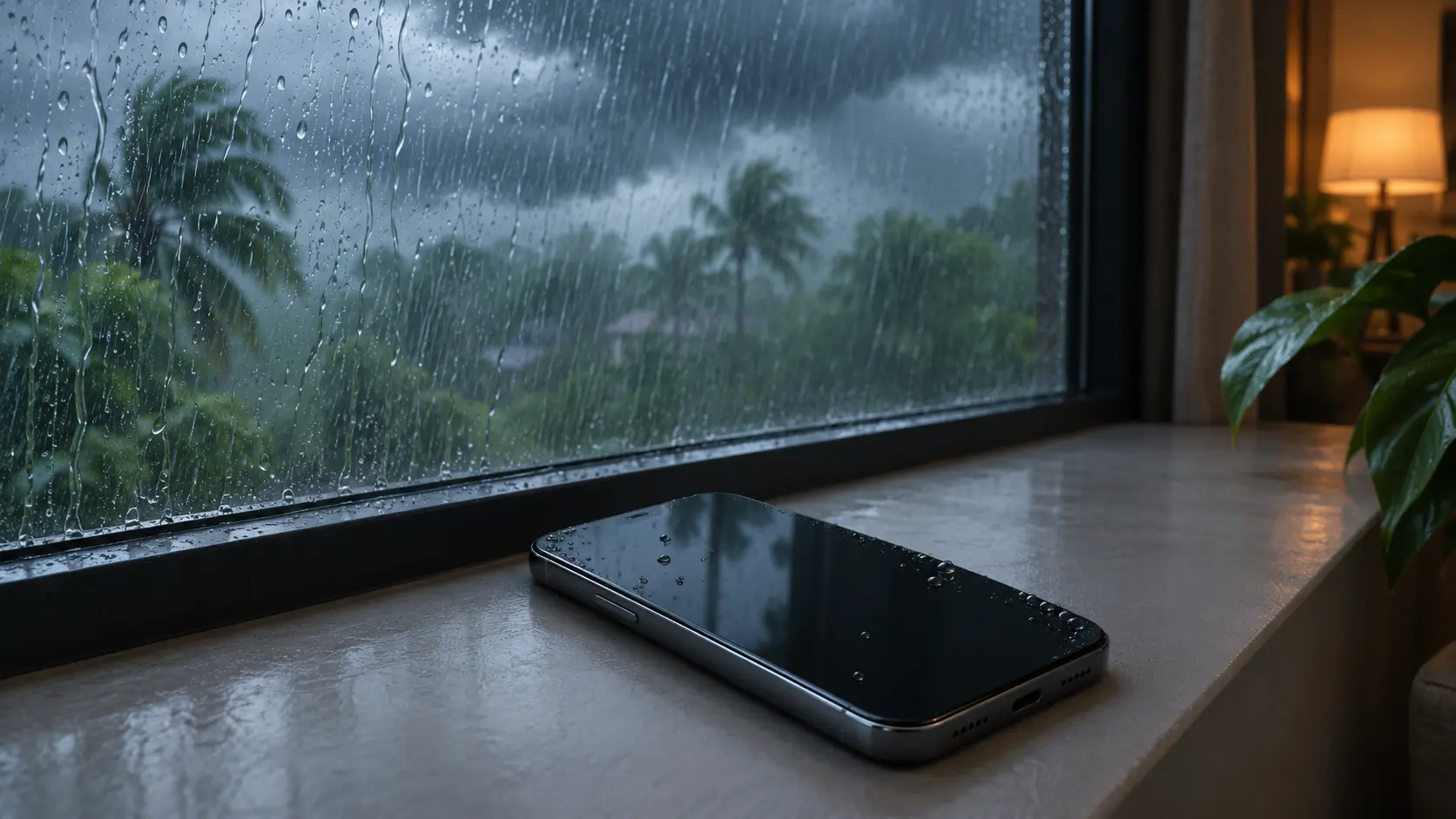
The Bureau of Meteorology describes Queensland's severe weather season as running from October to April, with a higher chance of storms, cyclones, and floods throughout that window. October also marks the start of the northern wet season, when severe thunderstorms become a risk in Far North Queensland.
This season has already started with a bang. In late October, ABC News reported giant hail and "very dangerous" storms across south-east Queensland, with severe thunderstorm warnings covering Brisbane, Logan, Ipswich, the Gold Coast, and the Scenic Rim. And the Bureau's outlook for the season flagged an increased chance of a severe cyclone, according to ABC News.
Most people think "rain" and stop there. In practice, a phone faces several different threats between October and April, and each one needs a slightly different response.
| What Happened | Risk Level | What to Do |
|---|---|---|
| Caught in rain for a few minutes, still working | Low | Dry the outside and keep it off the charger until it's fully dry |
| Soaked in a pocket during a downpour | Low to medium | Power it off, dry it, and watch it over the next couple of weeks |
| Dropped in a puddle or gutter | Medium | Power it off straight away and get it assessed |
| Submerged in floodwater | High | Power it off, don't charge it, and get it checked as soon as you can |
| Moved from air-con into thick humidity, camera lens fogged | Low | Let it settle to room conditions before using it heavily |
| Plugged in during lightning or a power surge, now won't charge | Medium to high | Stop charging it and have the charging circuit tested |
| Hit by hail or dropped in the rush | Medium | Check for cracks in the glass and the back panel |
In order of how often they actually damage phones.
This is the big one. Phones fall out of pockets into puddles, slip from wet hands into gutters, and get left outside on a table when a storm rolls in. Most recent phones have some water resistance, but that protection weakens with age, as our guide on which water-damaged phones survive explains.
Wet-season humidity does quiet damage. Stepping from an air-conditioned car or shop into thick, steamy air can fog camera lenses and leave a film of moisture on the phone. Over weeks, that persistent moisture can attack charging ports and other exposed contacts, and a sealed case can trap it against the phone.
Floodwater isn't clean rainwater. It carries mud, salt in coastal areas, and contaminants that leave sticky, conductive residue behind. A phone that went into floodwater needs attention far sooner than one that got rained on, for the same reason saltwater and sugary drinks do more harm than fresh water. Please also don't take risks driving through floodwater to protect a phone or anything else.
A storm can send a spike down the power line, through the wall adapter, and into your phone. The most vulnerable part is the charging circuit, so a phone that stops charging after a storm may have taken a hit. If that's your situation, our guide on why a phone won't charge walks through how to rule out the cable and port first.
Hailstorms crack screens and back panels, and the rush to get inside in a storm leads to plenty of dropped phones. Our guides on cracked back glass and iPhone screen repair costs cover what to do about it.
When the lights go out, the phone becomes a torch, a radio, and a lifeline all at once. Heavy use through an outage drains the battery and heats the phone, and the stress can show up later as faster draining. Our guide on why phone batteries drain so fast covers what's normal and what isn't.
A little preparation beats a repair. These take a few minutes and make a real difference:
The steps are the same as for any water exposure: power it off, don't charge it, dry the outside gently, and skip the rice. We've set them out in full in our guide to the first 30 minutes after your phone gets wet.
Storm season adds one twist. If your phone went into floodwater, muddy water, or anything other than clean rain, treat the 24 to 48 hour window as urgent. Residue left behind keeps corroding the phone even after it looks dry.
We ask what happened, for how long, and what kind of water, since floodwater and rain call for different levels of concern.
We look for visible moisture, residue, and the early signs of corrosion around the charging port and other openings.
If the phone shows signs of internal moisture, we inspect the inside and deal with any residue or damaged components before problems spread.
Charging, the display, cameras, speakers, and sensors all get tested, since storm damage often shows up in just one of them.
That might be a repair, a wait-and-watch plan, or an honest "this isn't worth fixing."
| Situation | Our Honest Call |
|---|---|
| Brief splash, phone works perfectly, no floodwater | Keep an eye on it. Get it checked if any faults show up |
| Submerged in clean water and powered off quickly | Worth an assessment. Early checks give the best odds |
| Submerged in floodwater or saltwater | Get it checked promptly. Residue is the real risk |
| Already showing faults, with corrosion likely on the board | Compare the repair cost with the phone's value before deciding |
Sometimes the honest answer is that a phone isn't worth repairing, especially if corrosion has already reached the main board. Our guide on when a repair isn't worth it explains how we work that out.
Water resistance is tested on new phones in clean water under lab conditions. Seals wear with age, and ratings don't cover floodwater, hail, or power surges.
A phone can work for weeks after a soaking before corrosion causes a fault. A phone that seems fine isn't the same as a phone that's been checked.
Charging a wet phone is one of the worst things you can do. Leave it unplugged until it's been checked.
Lightning and surges can travel through power lines into your charger and your phone. Unplugging is a simple habit that avoids the risk.
Rice does very little for a phone, and the dust can clog ports. A proper check does far more.
The Bureau of Meteorology says Queensland's severe weather season runs from October to April, with the cyclone season generally running from November to April. Severe thunderstorms are common through spring and summer.
Yes. A lightning strike or power surge can travel through the power line and charger into the phone, damaging its charging circuit. Unplugging during storms and using a surge-protected board lowers the risk.
Yes. Floodwater carries mud, salt, and contaminants that leave conductive residue, which keeps corroding the phone after it looks dry. A phone exposed to floodwater should be checked as soon as possible.
It can, over time. Persistent moisture can attack charging ports and other exposed contacts, and a sealed case can trap humidity against the phone. Taking the case off occasionally helps trapped moisture escape.
It's worth it, especially if it was submerged or exposed to floodwater. Corrosion can cause faults days or weeks later, even when the phone seems normal at first.
A phone running on its battery is generally considered safe to use indoors. Avoid using it while it's plugged into a wall charger, and follow any severe weather warnings for your area.
A little preparation, a few good habits, and a quick check after any soaking can save a phone that might otherwise fail weeks later. If yours has had a run-in with the weather, a device assessment tells you where it really stands, and what, if anything, needs doing.

Our skilled technicians are dedicated to restoring your devices to their optimal functionality.


© 2026 CaseIndulgence. All Rights Reserved